

Open eVision 3D Studio
3D evaluation and prototyping application

Main > Product > Image Processing Software > Euresys eVision > Euresys eVision Studio > Open eVision 3D Studio
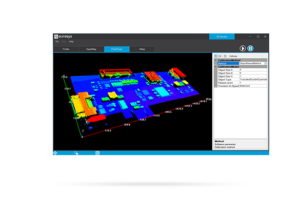
Open eVision 3D Studio
This application drastically simplifies the configuration of single and dual 3D laser line inspection systems using the Coaxlink Quad 3D-LLE frame grabber, as well as the Easy3D and Easy3DLaserLine libraries. This is free and does not require any license.
The Highlight Features
- Ease the configuration and the setup of a laser triangulation scanner using the Coaxlink Quad 3D-LLE
- Simplify the calibration procedure
- Display interactive Depth Maps, 3D Point Clouds and Zmaps
- Free of charge
Key Features
GenICam parameters

The GenICam parameters of the Coaxlink Quad 3D-LLE are available in the 3D Studio. A subset can be selected to appear on the Profile or Depth Map panels, for a live tuning of the acquisition and extraction parameters.
Display the extracted laser line
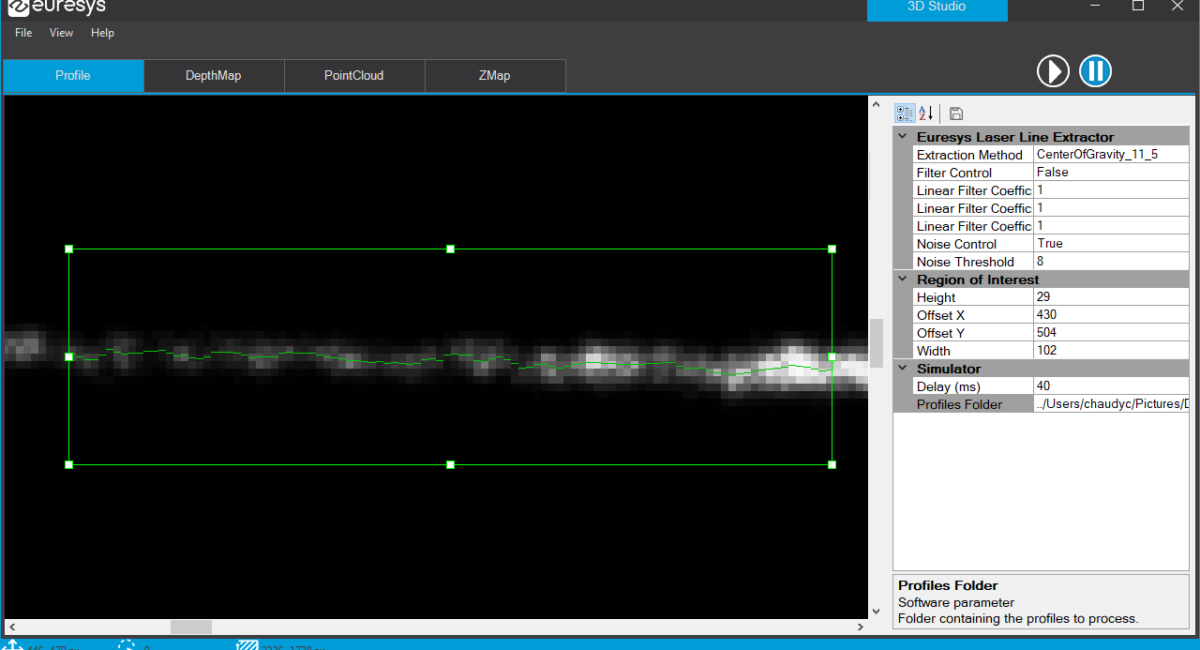
3D Studio displays the extracted laser line directly on live images. It is a very useful feature to tune the mechanical setup, the camera exposure, region of interest and other Coaxlink Quad 3D-LLE parameters.
3D data containers
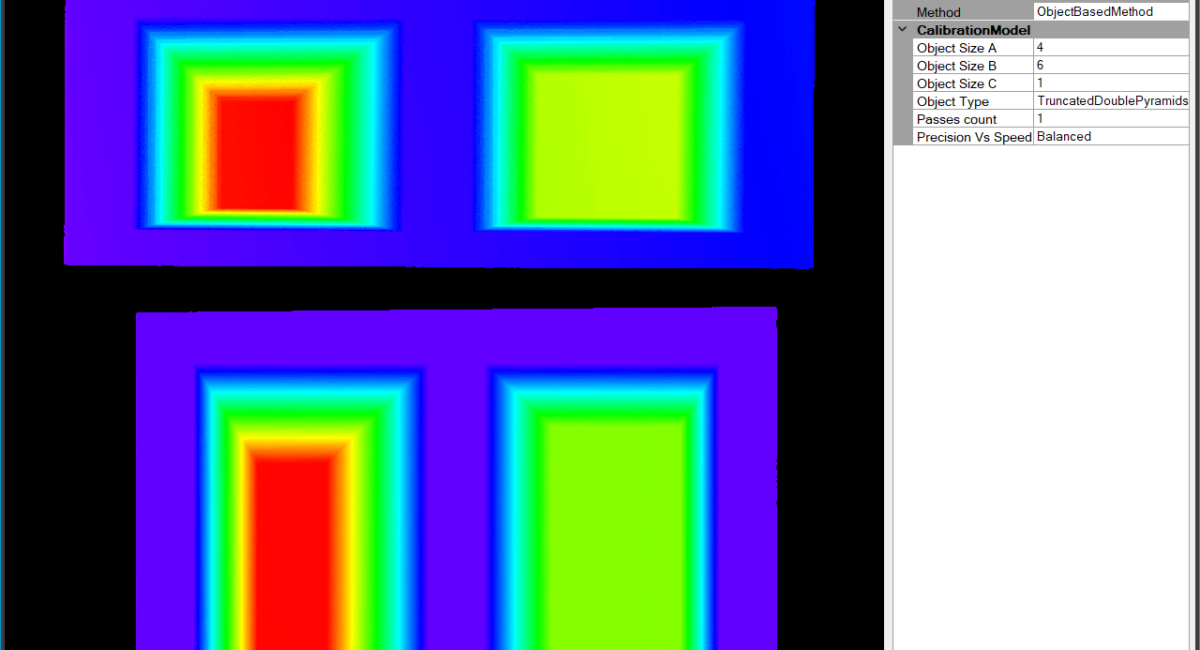
Open eVision 3D Studio presents the Easy3D workflow in four control panels: from laser line profiles to depth maps, then to calibrated point clouds and finally to ZMaps. The object-based calibration of Easy3D is available and the resulting model can be saved.

Vital Vision provides a wide range of machine vision products. There is more than 2000 products for your different machine vision solution.
To know more details, please direct to our sales person today !