

Easy Classify
Deep Learning classification library

Main > Product > Image Processing Software > Euresys eVision > Open eVision Libraries > Easy Classify
Easy Classify
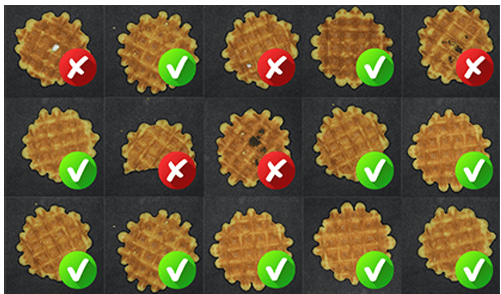
EasyClassify is the classification tool of Deep Learning Bundle. EasyClassify requires the user to label training images, that is to tell which ones are good and which ones are bad, or which ones belong to which class. After this learning/training process, the EasyClassify library is able to classify images. For any given image, it returns a list of probabilities, showing the likelihood that the image belongs to each of the classes it has been taught. For example, if the process requires setting apart bad parts from good ones, EasyClassify returns whether each part is good or bad, and with what probability.
The Highlight Features
- Includes functions for classifier training and image classification
- Able to detect defective products or sort products into various classes
- Supports data augmentation, works with as few as one hundred training images per class
- Compatible with CPU and GPU processing
- Includes the free Deep Learning Studio application for dataset creation, training and evaluation
- Only available as part of the Deep Learning Bundle
Key Features
What is EasyClassify good for?
Deep Learning is generally not suitable for applications requiring precise measurement or gauging. It is also not recommended when some types of errors (such as false negative) are completely unacceptable. EasyClassify performs better than traditional machine vision when the defects are difficult to specify explicitly, for example, when the classification depends on complex shapes and textures at various scales and positions. Besides, the “learn by example” paradigm of Deep Learning can also reduce the development time of a computer vision process.

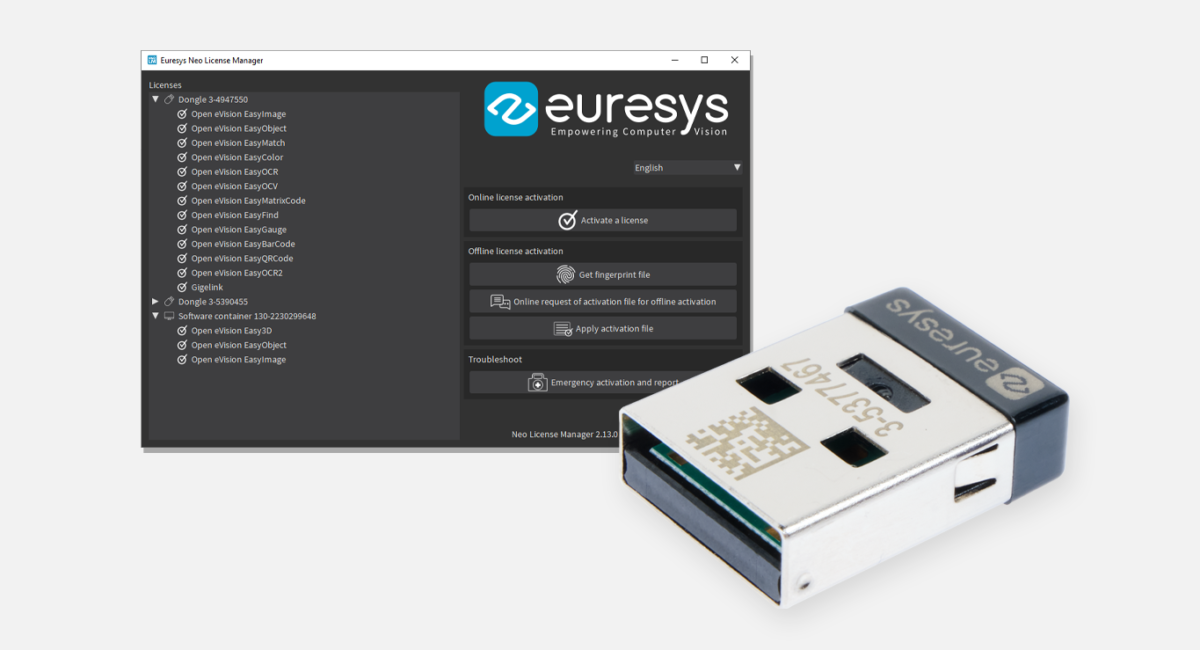
Supported by Neo Licensing System
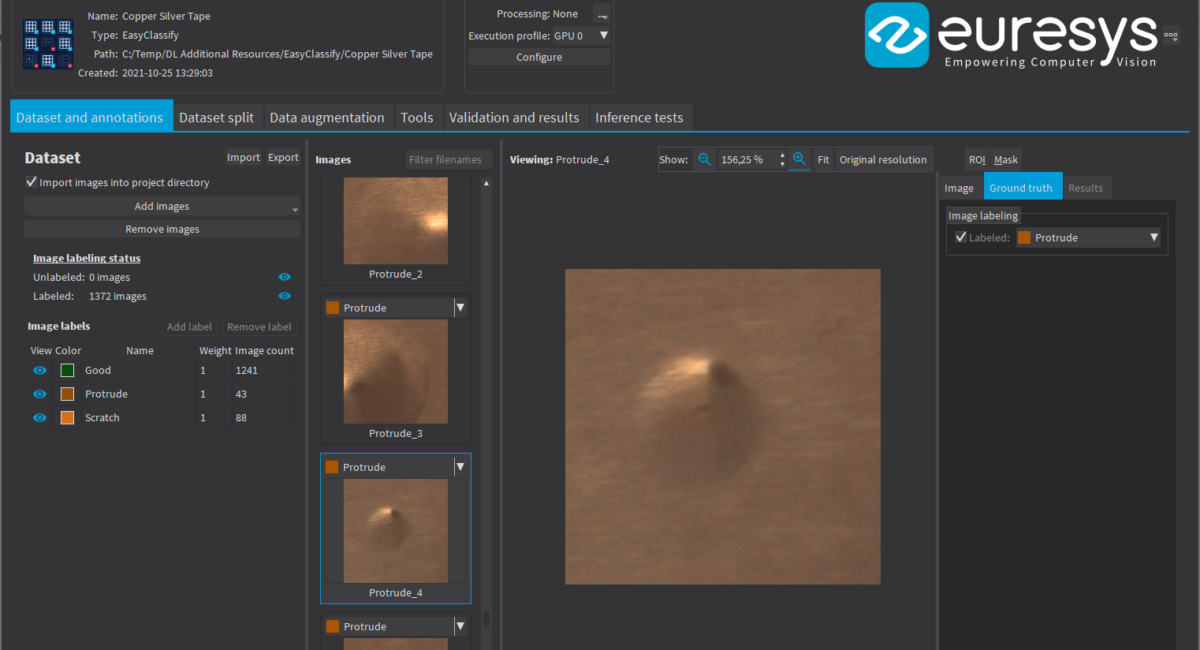
Deep Learning Studio assists the user during the creation of the dataset as well as the training and testing of the deep learning tool.
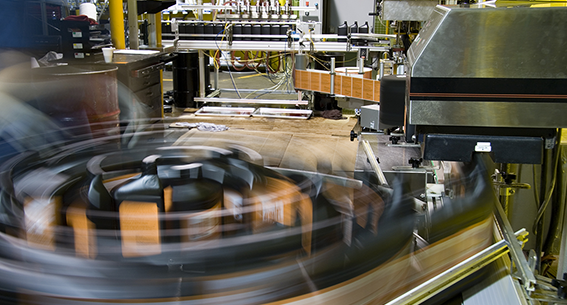
Deep Learning Bundle supports standard CPUs and automatically detects Nvidia CUDA-compatible GPUs in the PC. Using a single GPU typically accelerates the learning and the processing phases by a factor of 100.
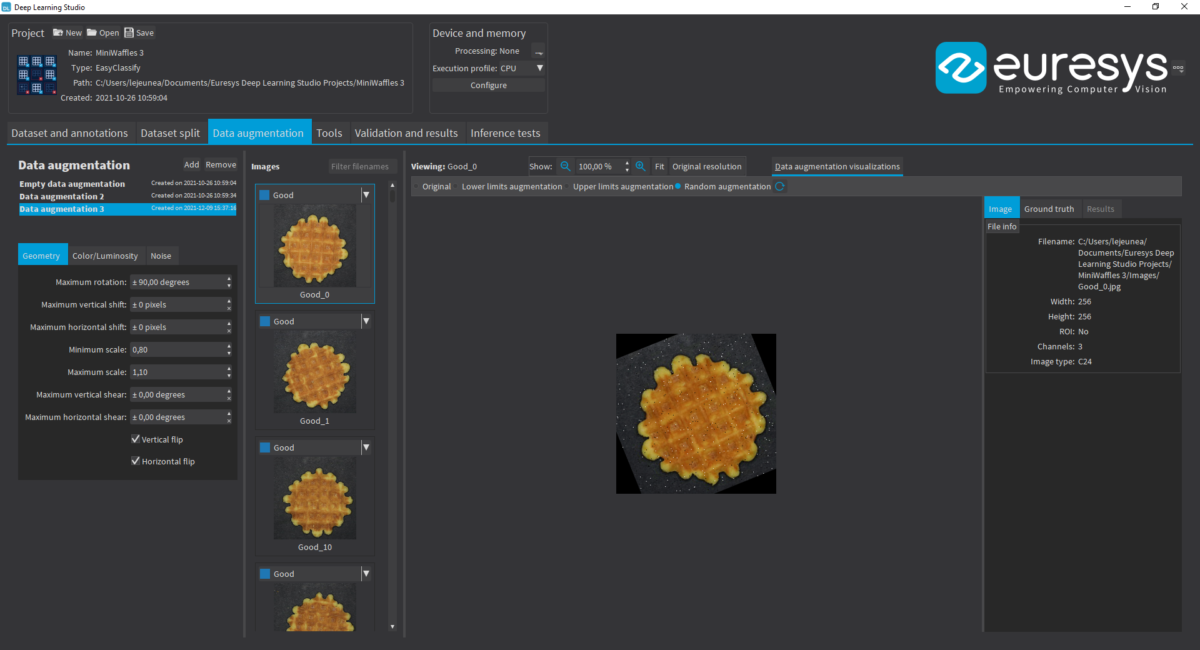
Data Augmentation which creates additional reference images by modifying (for example by shifting, rotating, scaling) existing reference images within programmable limits.
Extra Note
- All Open eVision libraries are available for Windows and Linux
- Developed with the support of the DG06 Technology Development Department
Vital Vision provides a wide range of machine vision products. There is more than 2000 products for your different machine vision solution.
To know more details, please direct to our sales person today !